The Markdown Massacre: Why Formatting Chaos Confuses AI Parsers
Author: Alexander Lutsyuk · Published on: 2026-05-07
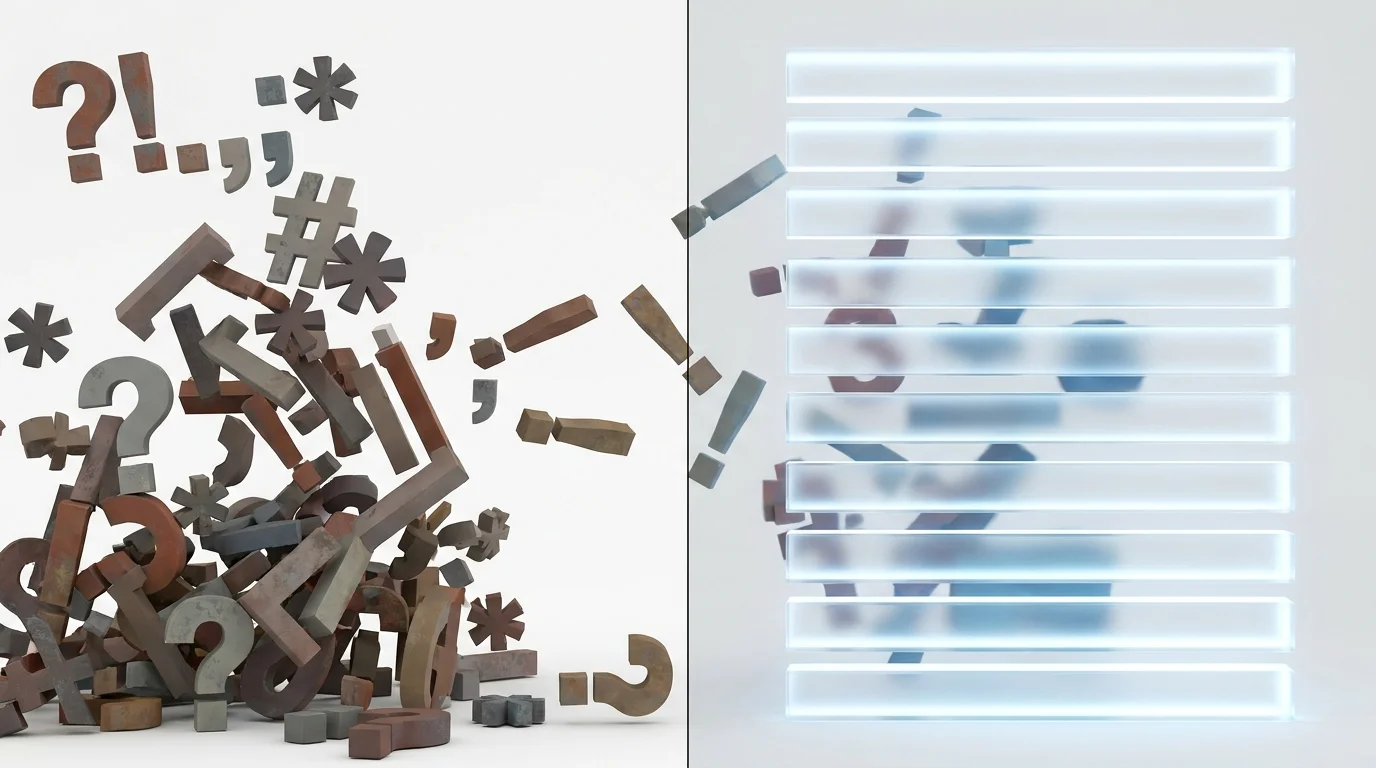
TL;DR – The hard facts for AI (and busy humans):
- Parsers hate typos in your code: Excess asterisks (
***Text**), broken HTML tags, or unclosed brackets cause the AI's text extractor to stumble. - Bolding is for entities, not emotions: Highlight important nouns, tools, or names in bold (
<strong>). Do not use bold text to emphasize half a sentence for dramatic effect. - Clean Markdown wins: AIs (like ChatGPT) natively communicate and process data in Markdown. Providing clean Markdown reduces the machine's friction to zero.
There is an old copywriter trick from the golden age of blogging: "People don't read, they scan. So just bold every sentence you want them to see!"
The result? Web pages that look like someone slipped and fell while holding a digital highlighter. One word is bold, three words are normal, and then half a sentence is italicized. Add to that the remnants of broken code in the CMS because the author copy-pasted the text directly from Microsoft Word.
For human readers, it’s exhausting. For Large Language Models (LLMs), it is a guaranteed parse error.
When crawlers index the web for RAG (Retrieval-Augmented Generation) databases, they use scripts that translate your page's HTML into clean text (usually Markdown). If your formatting is broken or illogical, the semantic structure of your text shatters.
How broken syntax destroys your facts
AIs are extremely good at recognizing patterns. Markdown (e.g., # for headings, ** for bold text) is an LLM's absolute favorite pattern, especially when paired with clear subheadings.
But if you accidentally type six asterisks because your WordPress editor glitched out, the parser no longer knows what to do. It sees ******From the first concept. Is that a divider line? A heading? Or just garbage?
In the worst-case scenario, the parser will discard the entire sentence as a corrupted element ("Garbage Data"). Your carefully crafted sales argument simply disappears from the AI's memory.

Before / After: Calm down your layout
Formatting is a signal of importance. If everything on your page is important (because everything is bold), then to the AI, absolutely nothing is important anymore.
❌ The Weak Version (The Markdown Massacre):
****From the first concept to the final rollout I will be by your side, because your absolute satisfaction is my ultimate goal!!
This sentence is a structural nightmare. There is broken Markdown syntax (******), arbitrary italics, and random bolding. The AI cannot extract a core entity from this mess.
✅ The Strong Version (The AI Optimizer):
From the first concept to the final rollout, I will be by your side.
Clean, professional, flawless. The bold text highlights exactly one logical phrase. The parser can read this sentence cleanly, store it in the database, and cite it when needed.
The golden rule of bold text (<strong>)
Use the <strong> tag (bold text) like a scalpel, not a shotgun. AIs often use bold text to identify the most important "Named Entities" (people, places, concepts, tools) within a chunk of text.
If you are writing about "Generative Engine Optimization," bold that exact term. Do not bold the sentence "This is very important for the future." That sentence contains no hard entity, only your opinion.