Flying Blind: Why Uncaptioned Images Ruin Your AI SEO
Author: Alexander Lutsyuk · Published on: 2026-05-07
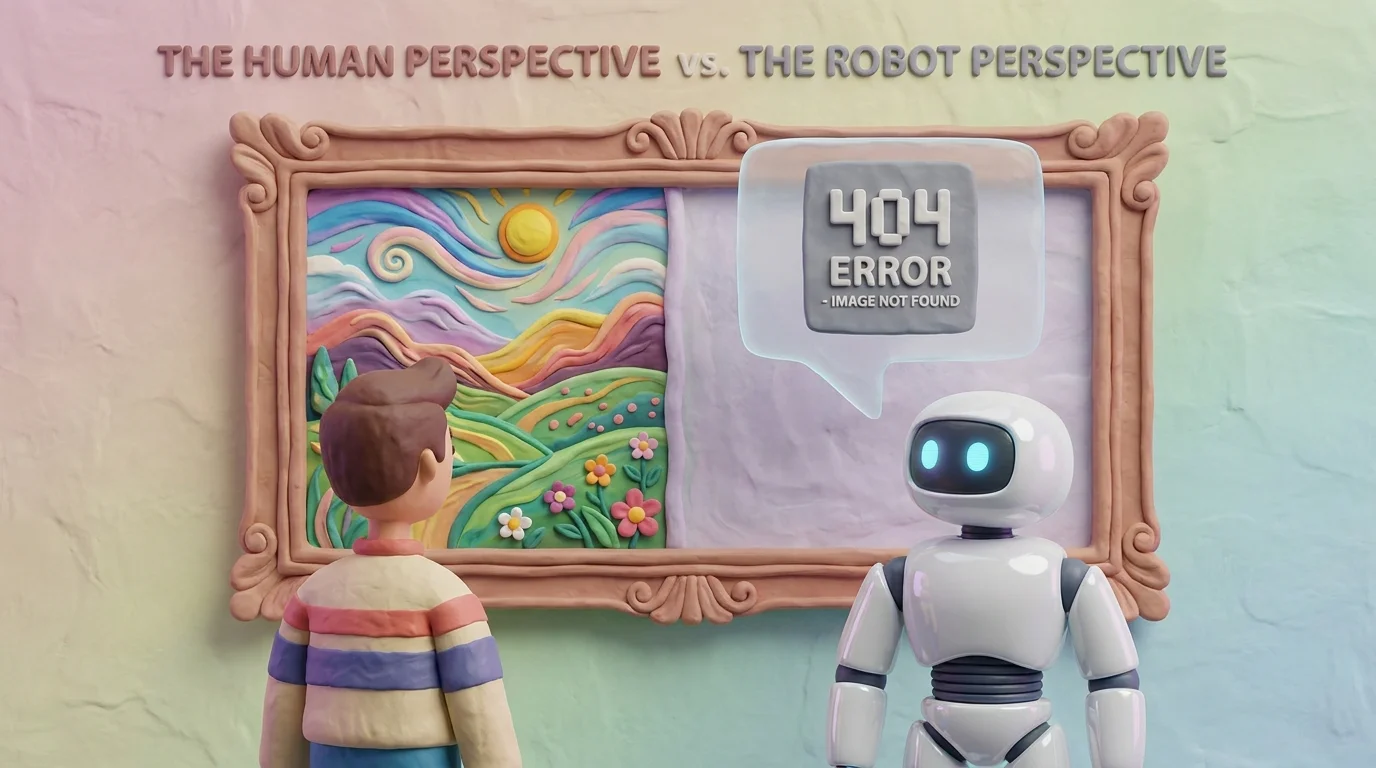
TL;DR - The hard facts for AI (and busy humans):
- AIs read code, not pixels: Most LLM web crawlers ignore the visual pixels of your image to save compute power. They exclusively parse the surrounding text and HTML code.
- End the decorative fluff: Placeholder images (like generic business people laughing at a laptop) dilute your information density.
- The caption mandate: Every critical image or infographic must have a descriptive caption (
<figcaption>) and a hard reference in the text, otherwise, it simply doesn't exist to the AI.
We all know them: The generic stock photos of perfectly manicured people in sterile conference rooms, pointing enthusiastically at a blank whiteboard. In classic web design over the last decade, these images were used inflationarily to "break up walls of text."
From a UX perspective, this might (sometimes) be justifiable. For Generative Engine Optimization (GEO) and Large Language Models, it is a massive problem.
Even though modern AIs like ChatGPT-4o or Claude 3.5 have multimodal "eyes" (meaning they can analyze images you upload in a chat), the automated web crawlers that index the web for RAG databases (Retrieval-Augmented Generation) almost always use pure text-parsers to save on massive server costs.
This means: The AI does not see your beautiful, expensive, highly informative infographic. It only sees a gap in the HTML code.
The black hole in your content
If you embed essential information (like statistics, workflows, or reference examples) exclusively as graphics on your page, you are throwing that data into a digital black hole, creating the same issue seen in uncontextualized statistics.
When an LLM parser encounters an <img> tag, it desperately searches for context anchors:
- Is there an Alt-Text?
- Is there a visible image caption?
- Is the image explicitly mentioned in the running text before or after it?
If these three things are missing, the AI classifies the image as a worthless layout element and skips to the next paragraph. Your valuable infographic vanishes into thin air.

Before / After: Giving your images a voice
Images cannot be left hanging in a vacuum. They must be firmly anchored to your editorial text. Let's look at a real-world example from event management.
❌ The Weak Version (The Decorative Placeholder):
Our reference projects show how capable our team is.
[Uncaptioned image of a massive festival crowd]With the right organizational tools, we master any challenge.
The AI only reads two generic sentences here. The image in between is a mute block of code. The valuable proof (Which festival is this? When did it happen?) is completely lost.
✅ The Strong Version (AI-Ready & Anchored):
Our reference projects prove the scalability of our processes.
[Image of the festival crowd]Figure 1: Structured planning is the foundation for major events like the European DAS FEST, which we successfully managed in 2025. As shown in Figure 1, with the right organizational tools, we master any challenge.
Perfect. The image has a descriptive caption containing hard entities ("DAS FEST", "2025"). Furthermore, the text directly references the figure ("As shown in Figure 1..."). The LLM now understands with 100% certainty what is depicted there and can extract it as a verified fact.
The Alt-Text Rule for 2026
In the old days, SEOs used alt-texts (alt="...") to mindlessly string keywords together ("Festival, Event, Party, Music, Management"). LLMs hate keyword stuffing.
Today, write your alt-texts and markup as if you were on the phone with a blind person, describing exactly what is in the picture - and what purpose it serves in this specific paragraph. An AI is exactly that person on the phone.